Requesting Apps
Section outline
-
-
Requesting all Apps (paid and free) by submitting a ticket through helpdesk@saanichschools.ca
Details to include in your ticket- Name of School
- Name of iPad or iPad Group and number of devices
- List Apps and quantities of each:
- Search for each app on Google and provide a link like this: https://apps.apple.com/ca/app/green-screen-by-do-ink/id730091131
- If you cannot find the link, make sure you are looking at the Canadian version of the App Store. A screenshot can also be provided instead of a link. This is to avoid confusion as there are many Apps with similar names available.
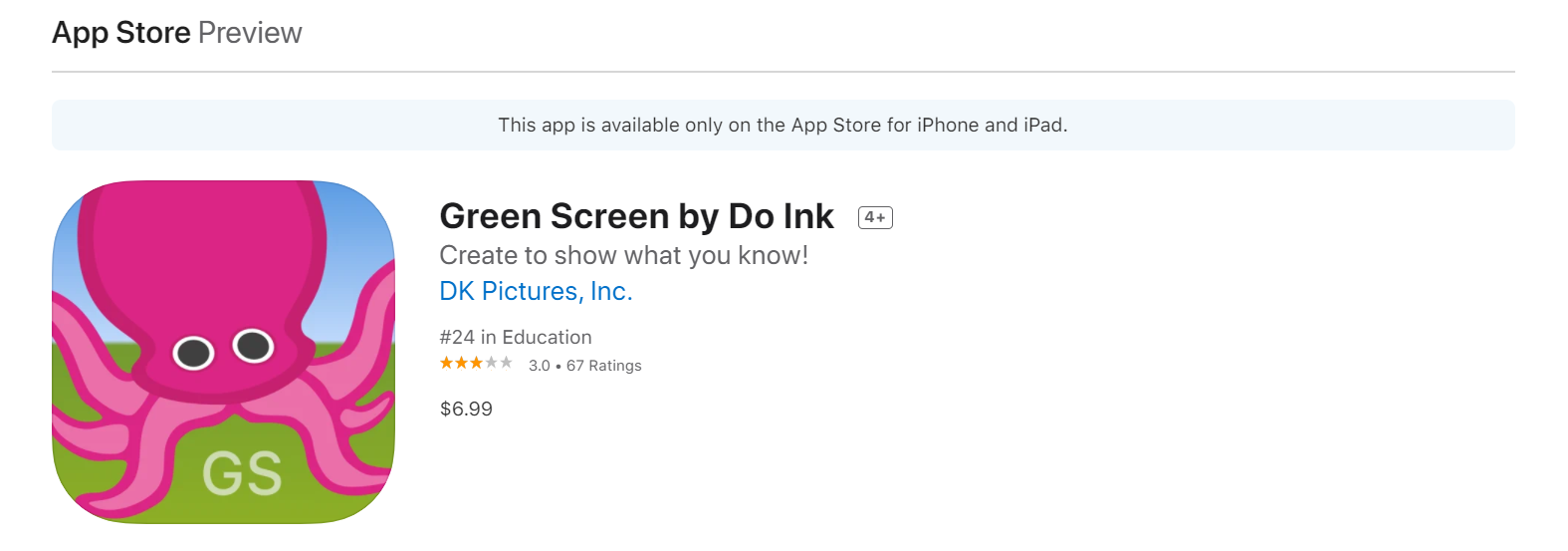
- Copy and paste the link to each App page into your ticket
- Include the GL # that will be billed for any paid Apps are not free
Example Ticket To: helpdesk@saanichschools.ca
Subject: Keating iPad App request
Message body:
Please add these 2 apps to the Keating iPad group called “CART01”. This group has 22 iPads.
ScratchJr
https://apps.apple.com/ca/app/scratchjr/id895485086
GreenScreen by Do Ink
https://apps.apple.com/ca/app/green-screen-by-do-ink/id730091131
This is a paid app and the cost will be charged to GL# ABC1234DEF
- Name of School
-